A Google Calendar integration that actually prevents double-booking
Bookings become real Google Calendar events, checked against your true availability before they're confirmed, so nobody gets double-booked.
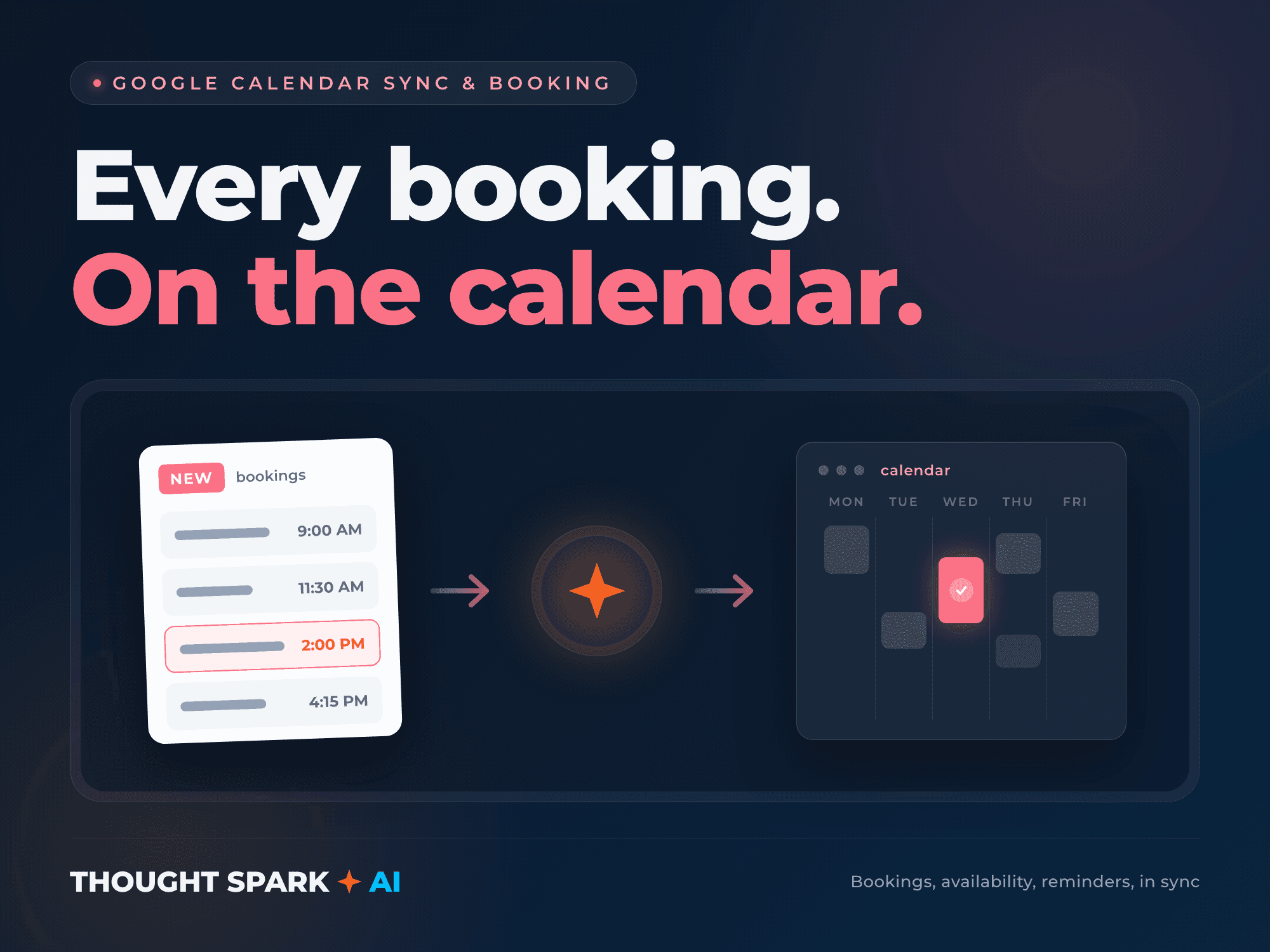
A booking form that doesn't check a real calendar is a promise you can't keep. Someone books a 2pm slot your app thinks is open, and it isn't, because the calendar that actually matters lives in Google and your app never asked it. I connect the two so a booking becomes a real event and availability is checked against your actual schedule before anything is confirmed.
I've built this pattern into a healthcare scheduling module and into consumer apps handling recurring events, and I've personally taken an app through Google's OAuth verification process, so I know where that review can slow a launch down and how to avoid the mistakes that trigger it. If your integration needs Google's public app review rather than the internal testing tier, that timeline is Google's to control, not mine, and I'll tell you which one you're in before you order.
The result is a calendar that stays in sync in both directions if you need it to: a booking made in your app shows up in Google, and a change made in Google (a cancellation, a reschedule) flows back so your app never shows a slot as open when it isn't.
What you get
- ✓Google Cloud project and OAuth credentials set up correctly for your app's actual use case
- ✓Bookings from your website, app, or CRM automatically created as real Google Calendar events
- ✓Availability checked against your real calendar before a slot is offered, so double-booking can't happen
- ✓Automated reminders tied to booked events
- ✓Two-way sync where needed, so cancellations or changes made directly in Google flow back into your app
- ✓OAuth consent screen and scopes configured to match what Google's review actually expects
- ✓A handoff doc covering what was configured and how to add a new calendar or event type later
How it works
- 1We confirm sync direction (one-way or two-way), which calendars are involved, your appointment types, and your stack. I set up the Google Cloud project and OAuth credentials.
- 2I build the sync logic on a branch and test it against real bookings and real calendar events, not just sample data.
- 3You test the flow on a preview deployment: book a slot, check it lands correctly, try to double-book it and watch it get blocked.
- 4I deploy to production, confirm a real booking syncs end to end, and hand off.
Pricing
Fixed price, fixed delivery date. Not sure which tier fits? Book a scoping call and we’ll figure it out together.
Starter
- ✓Google Cloud project and OAuth credentials configured and verified end to end
- ✓One-way sync: bookings become calendar events automatically
- ✓Availability checked against the connected calendar before a slot is confirmed
- ✓Basic reminder emails tied to booked events
A single calendar that needs bookings to show up correctly, one direction.
Standard
- ✓Everything in Starter
- ✓Two-way sync: a cancellation or reschedule made in Google updates your app automatically
- ✓Multiple appointment types or durations handled correctly
- ✓Buffer time and working-hours rules enforced, not just raw free/busy
- ✓Automated reminders with your own branding and timing
A booking flow that needs changes in Google to flow back into your app, not just out.
Advanced
- ✓Everything in Standard
- ✓Multiple calendars or staff members, each with independent availability
- ✓Support through Google's public app verification if your scopes require it, with the submission prepared correctly the first time
- ✓Recurring event handling for repeat appointments
- ✓Integration with your existing CRM or database so bookings write to both places consistently
- ✓Post-launch check on day 3 and day 7 after go live
Multiple calendars, multiple staff members, or a booking system tied into an existing CRM.
Add-ons
- +Rush delivery, 48 hours on Starter: +$195 to +$495 depending on scope
- +Additional revision beyond the included round: +$195
- +Extra calendar or staff member beyond the tier's included set: +$200 each
- +Outlook or iCal sync in addition to Google Calendar: +$500
- +30 days of post-launch support: +$400
Questions
How long does Google's app review take?
If your integration only needs internal testing scopes, there's no review and you're not affected. If it needs sensitive or restricted scopes and public verification, Google controls that timeline, typically a few weeks, not days. I'll tell you honestly which category your project falls into before you order, and I set the submission up correctly the first time since a rejected review resets the clock.
What happens to bookings made while OAuth review is pending?
Nothing is blocked. The app works fully on your own test accounts and internal users during review, since that's exactly what the internal testing tier is for. Only broader public access waits on the review.
Can this connect to more than one calendar?
Yes, that's what the Advanced tier is built for: multiple staff calendars, each with its own availability, all checked correctly so nobody gets double-booked.
Does this replace Calendly or a similar booking tool?
It can, if you want booking to live inside your own app rather than a third-party page. If you already use a scheduling tool and just need it synced somewhere else, tell me before ordering and I'll confirm the right approach.
What do you need from me to start?
A Google account with access to create a Cloud project (or an existing one), repo access, and a clear answer on which direction sync needs to run.
Ready to scope it out?
A short call to confirm which tier fits and lock in a delivery date. No obligation.